How Castellan works
From approved knowledge to useful work in your browser and connected agents.
The context workflow
| Step | In | Out | Control |
|---|---|---|---|
| 1 Save context | Facts, preferences, goals and rules you choose | Approved records in your workspace | Import candidates and agent suggestions wait for your review |
| 2 Choose access | A task, context scopes and optional record selection | A preview of the context an agent may read | Choose an expiry; required rules accompany context reads |
| 3 Connect an agent | The MCP connection URL in a compatible app | OAuth approval or a scoped access key | Confirm the app and its access; availability depends on the provider and plan |
| 4 Use your context | An authenticated context request | Records within the approved access | Access continues while authorized, including after your browser closes |
| 5 Review and refine | Proposed memories, corrections and reported actions | Owner-approved updates and a reusable playbook | Review suggestions in Records and attributed reports in Watchtower |
| 6 End access | End access in Agents, or grant expiry | Future requests from that connection are refused | Copies the provider already received remain under its own terms |
Use your personal Squot
Choose approved records for a Squot to find useful context, draft in your style or plan next steps. Recall uses record search. Writing and planning use Cloudflare-hosted inference only after your explicit consent for that Squot.
Corrections you submit become proposed lessons. Only your approval adds them to the playbook. A Squot produces context or drafts; it does not send, buy, book or operate your other accounts.
What Castellan controls
 Access and approval
- Agents read only the context their grant permits
- Selected-record access excludes future non-rule records
- Expired or ended connections cannot make further requests
- Suggestions become saved knowledge only after your approval
 Evidence and visibility
- Context access and workspace changes have verifiable history
- Watchtower attributes external action reports to their reporting connection
- External actions appear when the agent reports them
- Reports do not authorize or stop operations in another service
Choose the context and permissions
Scope access can cover current and future approved records. Select individual records for a narrower connection. All approved rules accompany context reads.
| Scope | What it permits |
|---|---|
| identity | Facts about you |
| rules | Your standing instructions, included with context reads |
| preferences | Communication style and other choices |
| habits | Recurring patterns you approve |
| goals | What you want to accomplish |
| people | People and relationships you choose to record |
| procedures | Routines and ways of working |
Suggest records proposals:write | Permission to suggest records for your review |
| actions:report | Permission to report external actions to Watchtower |
Choose where your workspace runs
Online access works in your browser, including on your phone, without an install or model download. Optional Mac and Windows packages keep an encrypted workspace on that computer. Compatible local agents connect while the local runtime is running and unlocked. Remote providers cannot reach a computer's loopback address.
Five rooms, one personal workspace
- Overview
Resume saved work and open your personal Squot.
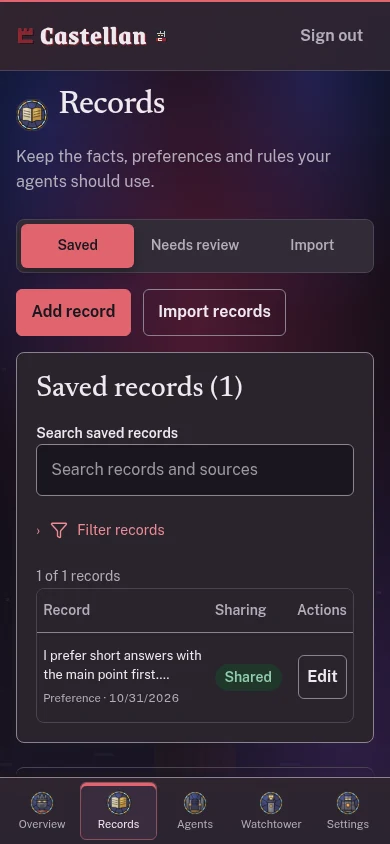
- Records
Records hold approved context. Review imported and agent suggestions before saving them.
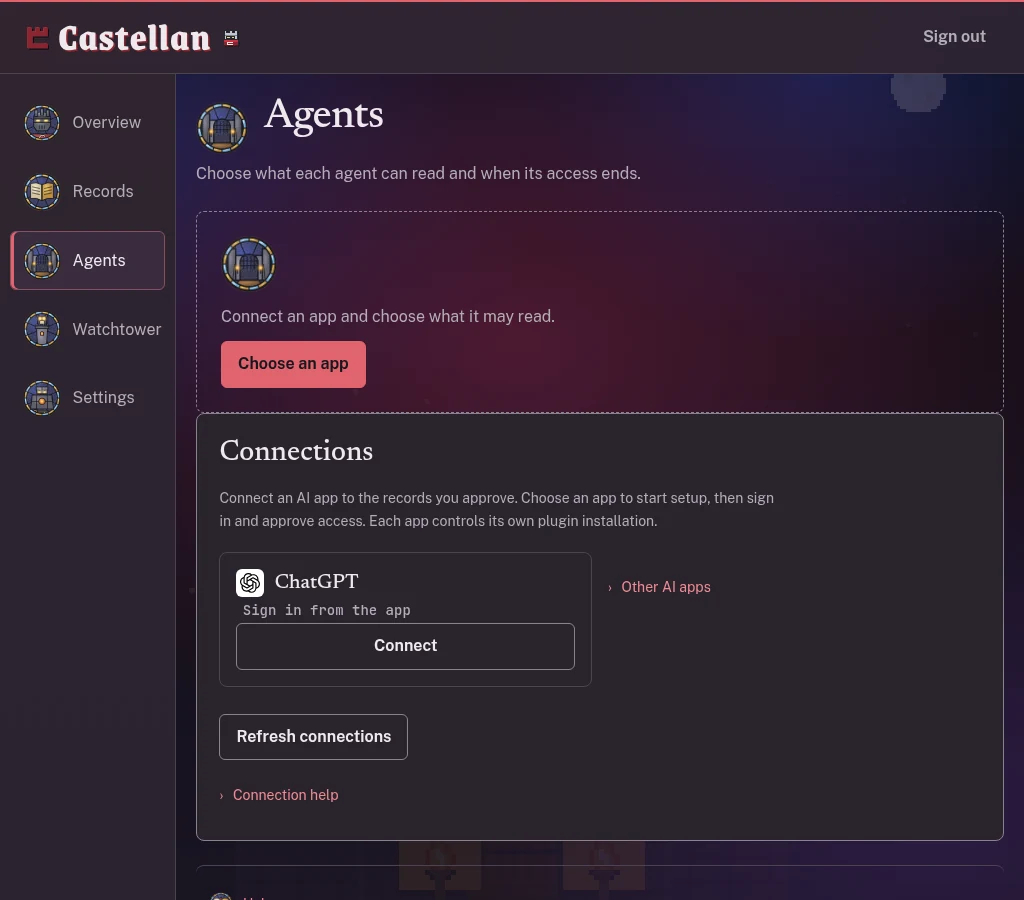
- Agents
Agents controls each connection. Choose its purpose, scopes, records and expiry.
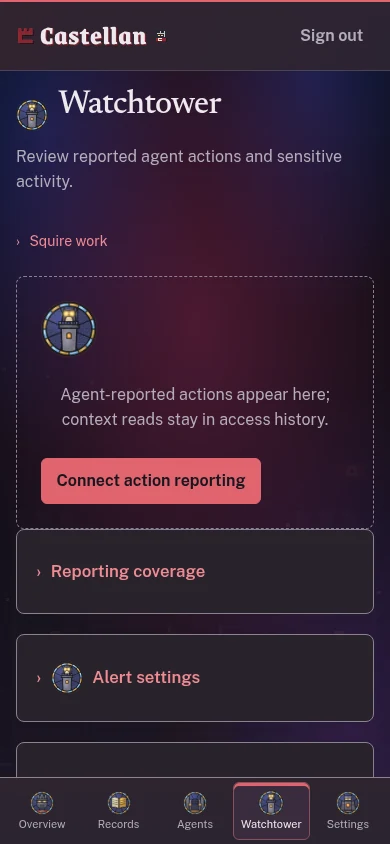
- Watchtower
Inspect recorded reads, decisions and attributed action reports.
- Settings
Manage passkeys, sessions, backups and the storage mode you choose.
A request you can approve or refuse
An agent asks to read selected goals for a planning task. In the Gatehouse within Agents, preview the exact access, choose Approve or Refuse, then inspect the recorded decision in Watchtower. Ending access stops future reads.
Fictional example: John Smith's fixture workspace. The example contains no personal account data.